
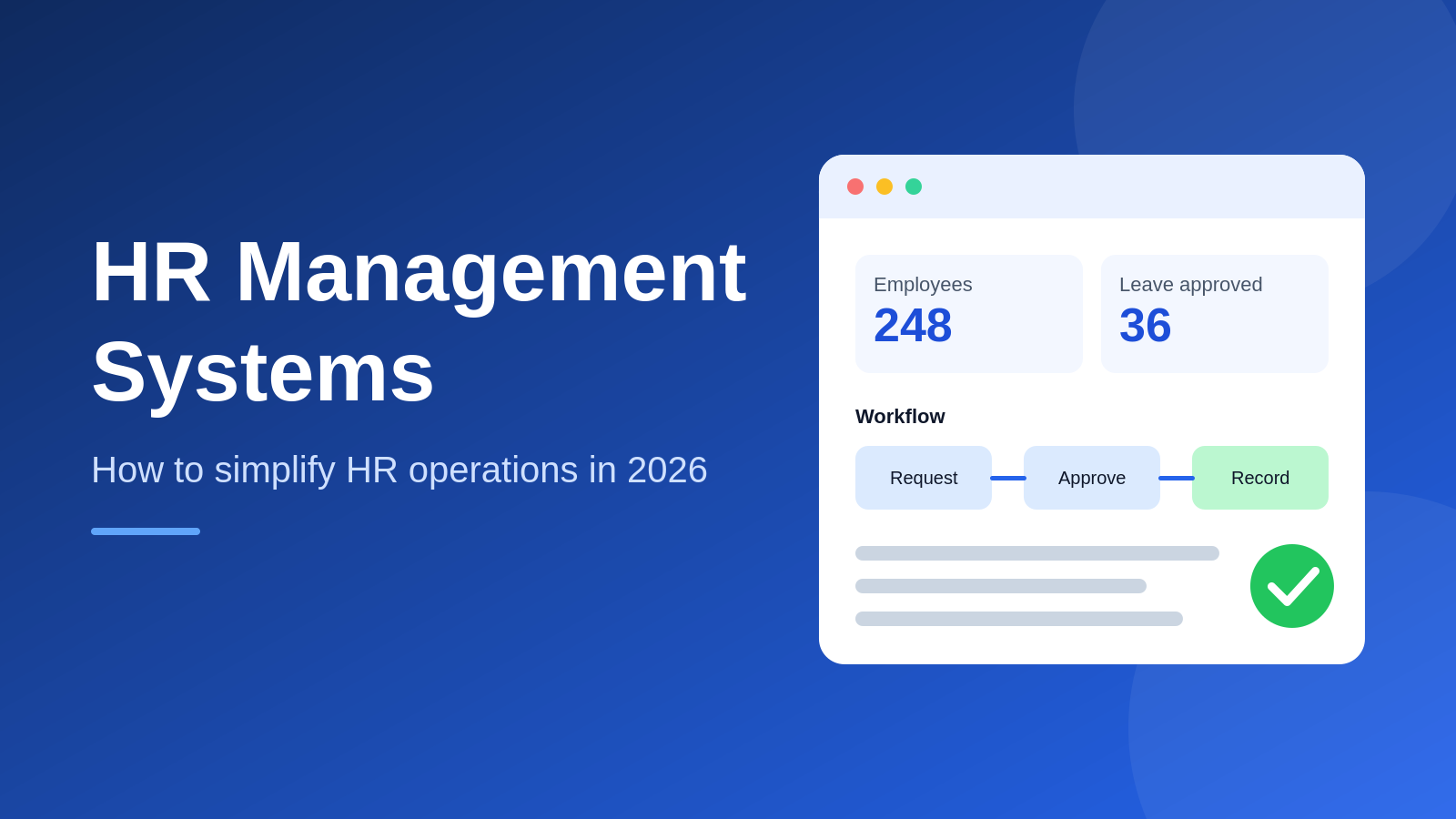
Short answer: HR management systems are software platforms that store employee data and run core HR workflows such as attendance, leave, onboarding, performance reviews and reporting. They replace scattered spreadsheets and email approvals with one shared record, so HR teams capture each detail once and reuse it everywhere.
Spreadsheets, chat approvals and paper files slow HR down long before a company reaches 100 people. If you are new to the category, start with our guide to what HRMS software is, then come back for the practical playbook.
Modern HR management systems replace that patchwork with one record for every employee. This post shows how they work, which features matter and how to roll one out in 2026.
The Short Version
• An HRMS keeps records, attendance, leave and approvals in one place.
• Automation removes repeated data entry, which is where most HR hours disappear.
• Choose software by process fit, security and support, not by feature count.
• Start with one or two workflows, then expand once teams trust the system.
What Are HR Management Systems And What Do They Do?
HR management systems are software platforms that store employee data and run core HR workflows such as attendance, leave, onboarding, performance reviews and reporting. They give HR teams, managers and employees one shared source of truth instead of scattered files.
Vendors also call them HRMS, HRIS or HCM platforms. The labels overlap, so judge a product by the workflows it covers rather than by its acronym.
A typical platform includes:
• Employee profiles with documents and reporting lines
• Attendance and shift records
• Leave requests, balances and approvals
• Onboarding checklists with task owners
• Goals, feedback and review notes
• Payroll inputs or a payroll integration
• HR dashboards and exports
OrbitoCRM, for example, builds an HRMS into its wider suite, with attendance sync, leave management and performance logs sitting next to workflow automation.
Why Do HR Teams Lose So Much Time To Admin Work?
HR teams lose time because the same details get typed, checked and forwarded several times across spreadsheets, email threads and chat messages. Each handoff adds a delay and a chance of error, and the load grows faster than headcount.
The drain usually looks like this:
• Re-entering joining details in HR, payroll and IT sheets
• Chasing managers for leave approvals
• Rebuilding attendance reports at month end
• Answering the same policy questions every week
• Hunting for the latest version of a letter or contract
This is the gap HR management systems are built to close: capture a detail once, then reuse it everywhere it is needed.
The cost is rarely visible on a payslip. It shows up as late approvals, wrong leave balances and managers who stop trusting the numbers. HR staff spend their week on data chasing instead of hiring, coaching and retention, which are the tasks that actually move the business.
A 20 person team can survive the old way. At 100 or 250 people, admin becomes a full time job. Our breakdown of how HR automation reduces repetitive administrative work lists the tasks worth automating first.
How Does An HRMS Simplify Daily HR Operations?
HR management systems turn recurring tasks into digital workflows. A request is submitted once, routed to the right approver, recorded automatically and reflected in reports, so nobody retypes data and everyone can see the status.
The table below compares the manual routine with a connected one.
|
HR task |
Manual routine |
With an HRMS |
|
Leave approval |
Email to manager, then a spreadsheet update |
Request routed to the approver, balance updates itself |
|
Attendance |
Paper registers or shared sheets |
Daily records feed reports automatically |
|
Onboarding |
Separate emails and forms |
One checklist with named task owners |
|
Employee queries |
HR answers each one by hand |
Employee self-service portal |
|
Month end reporting |
Manual consolidation |
Dashboard or one click export |
Notice what changes: the work does not disappear, it moves. Employees enter their own details, managers approve with one tap and HR reviews exceptions instead of processing every request. That shift is where the time savings come from.
Leave is usually the best first workflow because every employee touches it. See how leave management software automates leave tracking for the approval flow in detail.
What Are The Benefits Of An HRMS For Growing Teams?
An HRMS gives growing teams faster approvals, cleaner records, fewer errors and clearer reporting. It also frees HR staff from routine data entry so they can spend more time on hiring, engagement and retention.
The benefits tend to show up in this order:
• Speed: approvals move in hours rather than days because requests reach the right person automatically.
• Accuracy: one record per employee means leave balances and attendance totals agree everywhere.
• Visibility: managers see who is absent and what is pending without asking HR.
• Consistency: every employee follows the same onboarding and approval steps.
• Employee experience: staff get answers from a portal instead of waiting in an inbox.
Teams often notice the cultural effect before the numbers. When people trust that a request will be handled fairly and on time, they stop chasing HR for updates, and HR stops feeling like a help desk.
Which Features Should HRMS Software Include?
Good HRMS software covers employee records, attendance, leave, onboarding, performance and reporting, with role-based access and workflow automation on top. For most growing teams, anything beyond that list is a bonus rather than a requirement.
|
Feature |
What it does |
Why it matters |
|
Employee database |
Stores profiles, documents and reporting lines |
Ends the hunt through folders |
|
Attendance and leave |
Records hours, requests and balances |
Removes month end reconciliation |
|
Workflow automation |
Triggers approvals and reminders |
Cuts manual follow ups |
|
Employee self-service |
Lets staff update details and apply for leave |
Lowers routine HR tickets |
|
Role-based access |
Limits who sees salary and personal data |
Protects sensitive records |
|
Reporting |
Shows headcount, absence and trends |
Supports decisions with facts |
Employee self-service deserves special attention. It is the feature that turns a record keeping tool into a time saver, because routine requests no longer pass through HR at all. Test it with a real employee during any trial.
When you compare HR management systems, rank each feature by the hours it saves your team every month. You can see how these modules sit together in the OrbitoCRM product suite.
How Do You Choose HR Software For A Growing Business?
Knowing how to choose HR software starts with a list of your five slowest HR processes. Shortlist products that automate those first, pass a security review and offer support in your working hours, then test them with your own data.
Use these criteria to score each option:
• Process fit: does it handle your leave types, shifts and approval chains?
• Ease of use: can a manager complete a task without training?
• Integrations: does it connect to payroll, email and accounting tools?
• Security: are access roles and audit logs included? India’s Digital Personal Data Protection Act, 2023 makes careful handling of employee data a business duty.
• Support: is help available in your time zone and language?
• Total cost: what do all required modules cost, not just the entry tier?
Ask every vendor for a trial with your own data. A demo with sample records hides the problems that appear once your real leave policies and approval chains are loaded.
If your sales and HR teams share data, such as commissions that depend on closed deals, consider a unified CRM and HRMS platform so nobody enters the same record twice.
How Do You Roll Out A New HR System In 7 Steps?
Roll out HR management systems in stages: clean your data, automate one workflow, train managers, run old and new side by side, then expand. Starting small keeps risk low and builds trust before you ask everyone to change habits.
1. List the HR tasks that eat the most hours and pick one to automate first.
2. Clean employee records so duplicates and outdated details never enter the new system.
3. Map your leave types, approval chains and holiday calendar before configuration.
4. Configure roles so managers see their teams and HR sees everything.
5. Train managers first, then employees, using one real task each.
6. Run the old and new process in parallel for one full cycle.
7. Review adoption, fix friction and add the next workflow.
SHRM advises starting HR automation with manageable processes and expanding gradually, which matches the staged plan above.
How Do You Measure Whether Your HR System Is Working?
Measure an HR system by the time it saves and the errors it removes: approval turnaround, hours spent on month end reports, query volume and data accuracy. Compare each number with a baseline taken before launch.
Track these four numbers for the first 90 days:
• Approval time: average hours from request to decision for leave and expenses.
• Report effort: hours HR spends building the monthly attendance and headcount report.
• Query volume: number of routine questions that reach HR by email or chat.
• Record accuracy: corrections needed after payroll inputs are finalised.
Share the results with managers. A simple before and after chart builds support for the next workflow and shows leadership that the change paid off.
What Mistakes Should You Avoid With HR Software?
The most common mistakes are buying on feature count, skipping data cleanup, launching every module at once and neglecting training. Each one slows adoption and makes the team fall back on spreadsheets.
• Buying for the demo: a feature you never use is a cost, not a benefit.
• Importing messy data: errors in old sheets become errors in the new system.
• Big bang launches: staged releases give you time to fix problems early.
• Ignoring managers: if approvers dislike the tool, requests stall.
• No success metric: track hours saved, approval time and query volume.
Fixing these early is cheaper than switching platforms later.
Frequently asked questions
What is the difference between HRMS and HRIS?An HRIS mainly stores employee records, while an HRMS adds workflows such as attendance, leave, onboarding and performance. In practice, vendors use the terms loosely, so compare features instead of names.
Does HRMS software include payroll?Some HR management systems include payroll, while others integrate with a dedicated payroll tool. Check which payroll features and statutory reports are built in before you commit.
How long does it take to set up an HR system?Small teams can go live with core workflows in a few weeks. Clean data, clear leave policies and manager training decide the pace more than the software does.
Can small businesses use employee self-service?Yes. Employee self-service helps small teams most, because staff can apply for leave and update details without waiting for the one person who handles HR.
Areas we cover around Bengalore
- Koramangala
- JP Nagar
- Magestic
- Whitefield